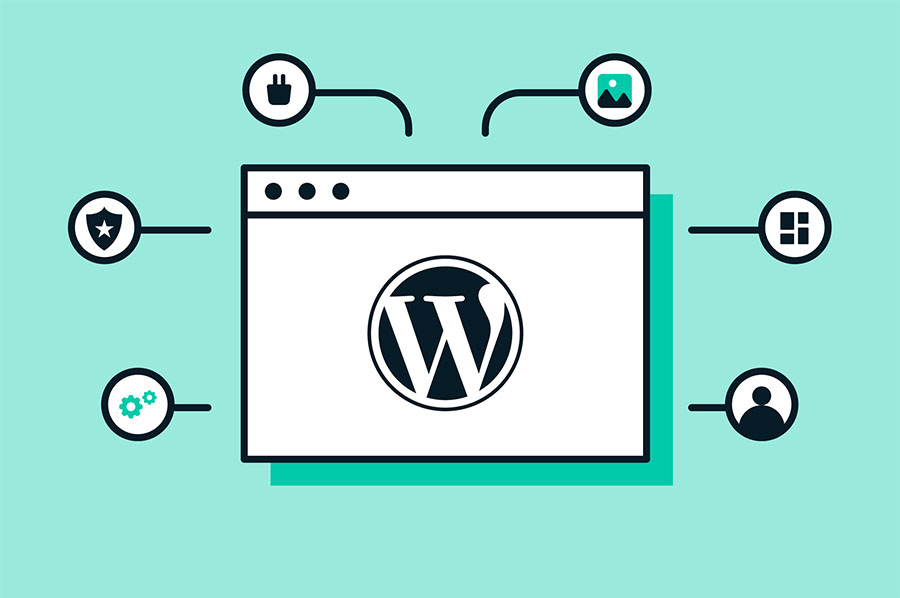
WordPress is a free and open-source content management system (CMS) based on PHP and MySQL. It’s one of the most popular website creation tools globally, powering over 40% of all websites on the internet. WordPress allows users to create and manage websites without needing to know how to code. It provides a user-friendly interface for content creation, management, and customization.
Table of Contents
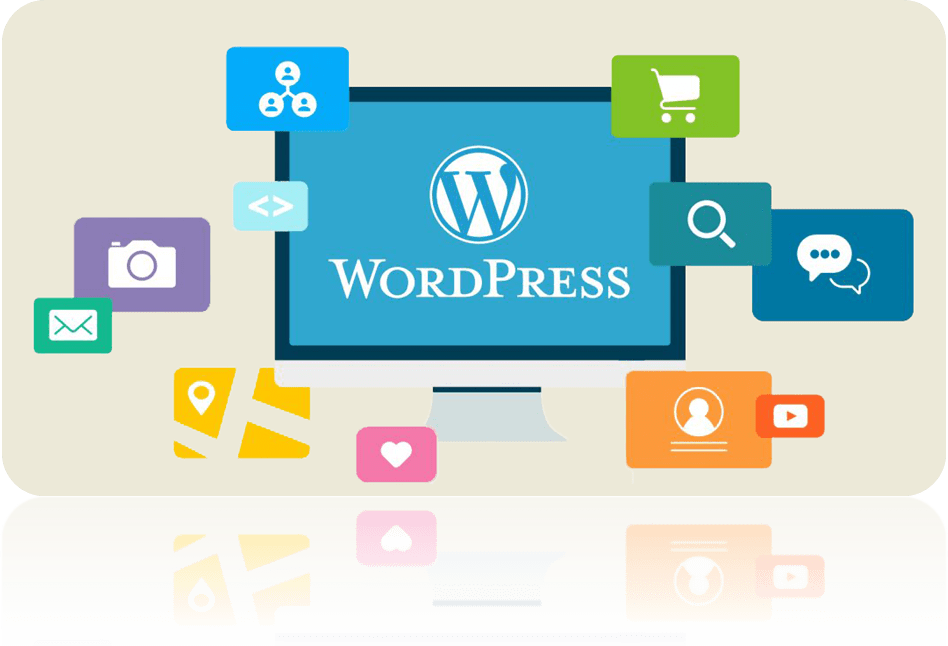
WordPress key features
Key features of WordPress include:
- Themes: WordPress offers a wide range of themes (both free and premium) that allow users to change the appearance of their website easily. Themes control the layout, design, and overall look of the site.
- Plugins: WordPress plugins are add-ons that extend the functionality of a WordPress site. They allow users to add features such as contact forms, SEO optimization, e-commerce functionality, security enhancements, and much more, without needing to write code from scratch.
- Content Management: WordPress provides a powerful content management system that allows users to create, edit, and organize content effortlessly. It supports various content types, including blog posts, pages, media files, and custom post types.
- Customization: WordPress offers extensive customization options, allowing users to customize their websites to meet their specific needs. This includes customizing themes, adding widgets, modifying CSS, and using page builders to create custom layouts.
- SEO-Friendly: WordPress is inherently SEO-friendly, with features like clean permalink structure, customizable meta tags, and plugins like Yoast SEO or Rank Math that help optimize content for search engines.
WordPress plugins are pieces of software that can be installed on a WordPress site to add specific features or functionality. They can range from simple utilities to complex applications, and they are developed by third-party developers and made available through the official WordPress Plugin Directory or other sources.
Common types of WordPress plugins
Some common types of WordPress plugins include:
- SEO Plugins: These plugins help optimize your website for search engines by providing features like meta tag management, XML sitemap generation, and content analysis.
- Security Plugins: Security plugins enhance the security of your WordPress site by protecting against malware, brute-force attacks, and other security threats.
- Performance Plugins: Performance plugins help improve the speed and performance of your website by caching content, optimizing images, and minimizing CSS and JavaScript files.
- E-commerce Plugins: E-commerce plugins add online store functionality to your WordPress site, allowing you to sell products and services online.
- Contact Form Plugins: Contact form plugins allow you to create and manage contact forms on your website, making it easy for visitors to get in touch with you.
These are just a few examples, but there are thousands of plugins available for WordPress, covering virtually every aspect of website functionality. Users can install and activate plugins from the WordPress dashboard, and most plugins offer configuration options to customize their behavior to suit the needs of the website.
Best WordPress security plugins
WordPress security is crucial for protecting your website from various threats like hacking, malware, and unauthorized access. Here are some of the best WordPress security plugins available:
- Wordfence Security: Wordfence is one of the most popular security plugins for WordPress. It offers features like firewall protection, malware scanning, login security, and real-time threat defense. The free version provides essential security features, while the premium version offers advanced options and priority support.
- Sucuri Security: Sucuri Security is a comprehensive security plugin that offers website security monitoring, malware scanning, security hardening, and a website firewall. It helps protect your site from hacks, malware, DDoS attacks, and other security threats. It also offers a website cleanup service if your site gets hacked.
- iThemes Security: Formerly known as Better WP Security, iThemes Security offers over 30 ways to secure and protect your WordPress site. It includes features like two-factor authentication, brute force protection, file change detection, and strong password enforcement. The plugin also offers security logs and notifications to keep you informed about security issues on your site.
- Security Ninja: Security Ninja is a powerful security plugin that helps you secure your WordPress site with over 50 security tests including brute-force attacks, file permission checks, and malware scanning. It also offers a one-click security check to quickly assess your site’s security status and fix any vulnerabilities.
- All In One WP Security & Firewall: This plugin provides an extensive set of security features for your WordPress site, including user account security, firewall protection, file system security, and database security. It offers a user-friendly interface and allows you to easily configure security settings based on your needs.
- BulletProof Security: BulletProof Security offers protection against various types of attacks, including SQL injection, XSS, and CSRF. It includes features like malware scanning, firewall protection, login security, and database backups. The plugin also offers a one-click setup wizard to configure security settings quickly.
- VaultPress (Jetpack Security): VaultPress is a security and backup plugin by Jetpack that offers real-time backup and automated security scanning for your WordPress site. It provides protection against malware, hacks, and accidental damage. VaultPress is part of the Jetpack suite of plugins and offers seamless integration with other Jetpack features.
When choosing a WordPress security plugin, consider your specific security needs, such as malware scanning, firewall protection, login security, and ongoing monitoring. Additionally, regularly updating your WordPress core, themes, and plugins, along with using strong passwords and secure hosting, are essential practices for maintaining the security of your website.